
Selecting Your Canvas
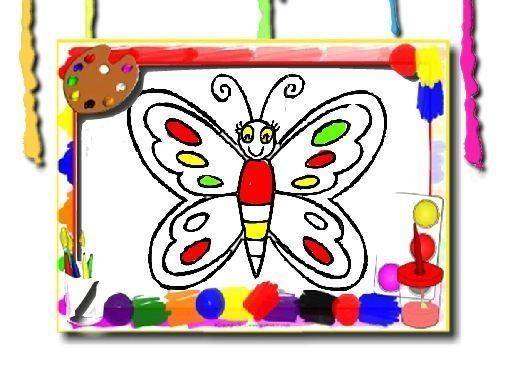
Upon opening the activity, you are presented with a gallery of line drawings. These images focus on butterflies, flowers, and other natural subjects. Each drawing offers a different composition, from a single detailed butterfly to a garden scene. You can browse this collection and pick the one that catches your eye. The variety ensures there is always a new picture to try, whether you prefer simple outlines or more intricate patterns.
The Coloring Process
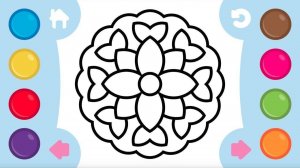
Once you select an image, a virtual brush and a palette of colors appear. You choose a hue from the palette and tap or click on the area you want to fill. The color instantly spreads within the boundaries of that section. You can switch colors as often as you like, allowing you to experiment with different combinations. This process is entirely self-paced, with no external pressure to finish quickly.
Freedom from Constraints
This activity deliberately omits timers, scores, or any form of evaluation. The focus is on the act of coloring itself, not on achieving a specific result. You are free to make changes, recolor sections, or start over without penalty. This design encourages a relaxed state of mind, making it suitable for unwinding after a busy day or for a quiet moment of focus.
Accessibility and Platform
The entire experience runs directly in a web browser. There is no need to download or install any software. It works on both desktop computers and mobile devices, with touch-friendly controls. This means you can start coloring on any device with an internet connection. The simple interface ensures that even young children or those less familiar with technology can participate easily.
Saving and Sharing
When you complete a picture, you have the option to save it. This allows you to keep a record of your creations. You can also share your finished artwork with friends or family. This feature adds a social element, letting you show off your color choices and inspire others. The saved images can be viewed later or used as a personal gallery of your work.







Comments
0 comments