
Game Introduction
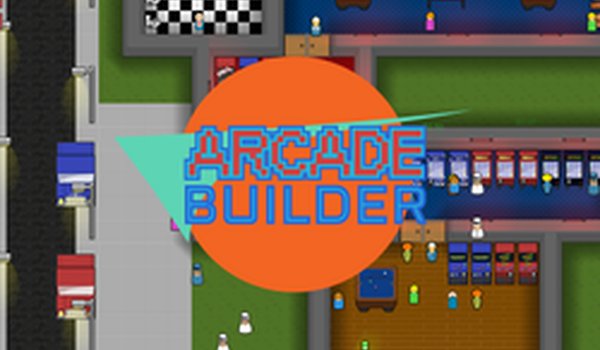
Arcade Empire Manager is a family-friendly idle simulation game where you step into the role of an arcade owner. Your main goal is to build and manage a thriving arcade business by selecting machines, setting prices, and keeping visitors content. This game stands out because it focuses on business management in a safe, non-violent setting suitable for all ages. Players can learn simple business concepts while having fun creating their ideal arcade. The game encourages strategic thinking and resource management without any inappropriate content, making it a wholesome choice for players of all ages.
How to Play
Players typically start by placing arcade machines and other amenities in their arcade space. Using simple controls, you can click to place items and interact with the game interface. The camera can be moved using keyboard keys or by holding the right mouse button to pan the view. Items can be rotated for optimal placement. To earn income, you place machines and adjust pricing through the game's pricing options. You can also save your progress and reload if needed, ensuring you never lose your hard work.
Game Features
Features include managing an arcade business from marketing to item placement. You can unlock new arcade machines, pinball machines, and other equipment. The game includes a pricing system to optimize earnings and customer satisfaction. Amenities like chairs, toilets, change machines, snack or drink machines, and janitors help keep customers happy. The game offers a family-friendly experience without violence or inappropriate content, making it suitable for all ages.
Tips for Success
To succeed, focus on keeping customer happiness high by adding various amenities like chairs and machines. Experiment with pricing to find the best balance between profit and customer satisfaction. Save your game regularly to avoid losing progress. If you encounter bugs, reload the game after saving. If the game lags, try closing the arcade temporarily and reopening it. Learn the layout to place items efficiently and maximize space.








Comments
0 comments