

Holding the Safe Zone
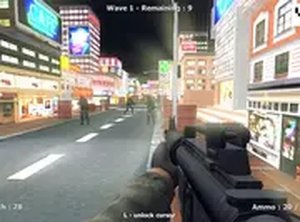
Valley of Wolves Fortress Defense places you in a guardian role at a fixed position. Each level sends a wave of opponents toward your base, and the wave grows larger and stronger as you progress. You must stay inside a marked safe zone while neutralizing threats before they reach the fortress. Leaving that zone or losing all health forces a level restart, so positioning matters as much as aim.
Controls and Combat Flow
Movement, jumping, and actions are handled with the keyboard, while the mouse aims and interacts with the environment. That split keeps your left hand on positioning and your right hand on threat removal. Because enemies approach in waves, you read their path, pick targets, and reload during safer moments. The game mixes quick reactions with small tactical choices, such as when to retreat toward the center of the safe zone.
Coins and Equipment Upgrades
Defeated enemies drop coins, and completed levels add to that total. You spend coins in the main menu shop to enhance your equipment. Upgrading early gives you more room to handle later waves, since tougher enemies arrive with more health or speed. The loop is straightforward: clear a level, bank coins, improve your loadout, then return to a harder wave.
Difficulty Curve and Replay Value
Later levels introduce more enemies and stronger variants, which pushes you to adapt rather than repeat the same routine. The combination of steady defense and resource management gives each session a clear goal and a reason to replay for better results. Players who enjoy aim-focused defense games with light progression will find a consistent challenge here.







Editorial Notes